AME Key Switch Retro-Fit

This article will provide information on how to Retro-Fit the upgraded key switch
and loom on a MK2 Aislemaster.

Kit Number Required : 26EE0175

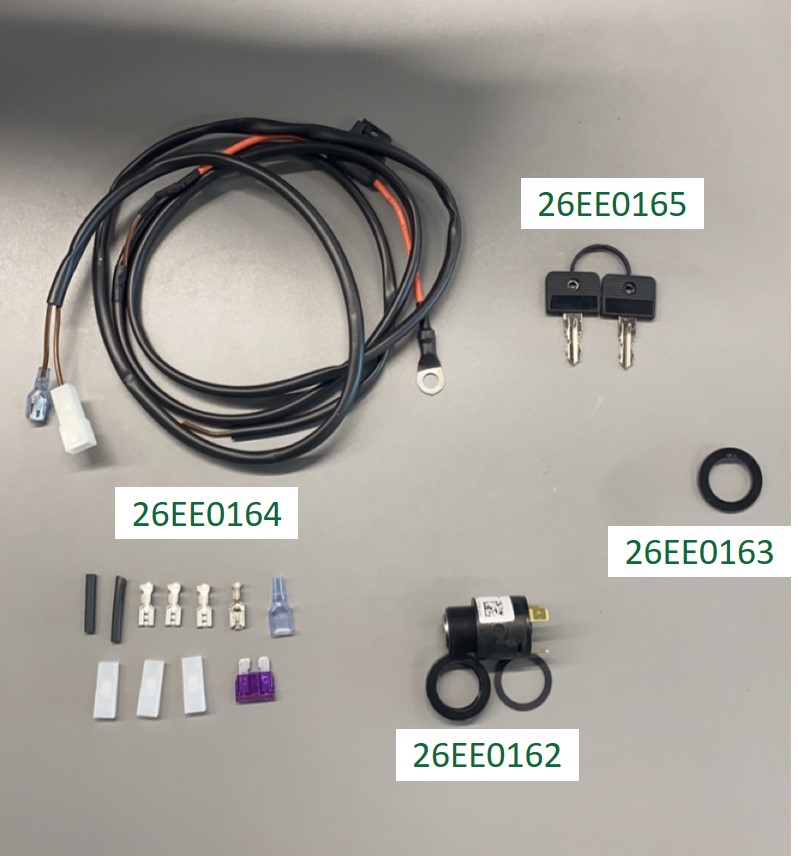
Parts included with the kit :

1x 26EE0164 Aisle Master Key Switch Retrofit Loom
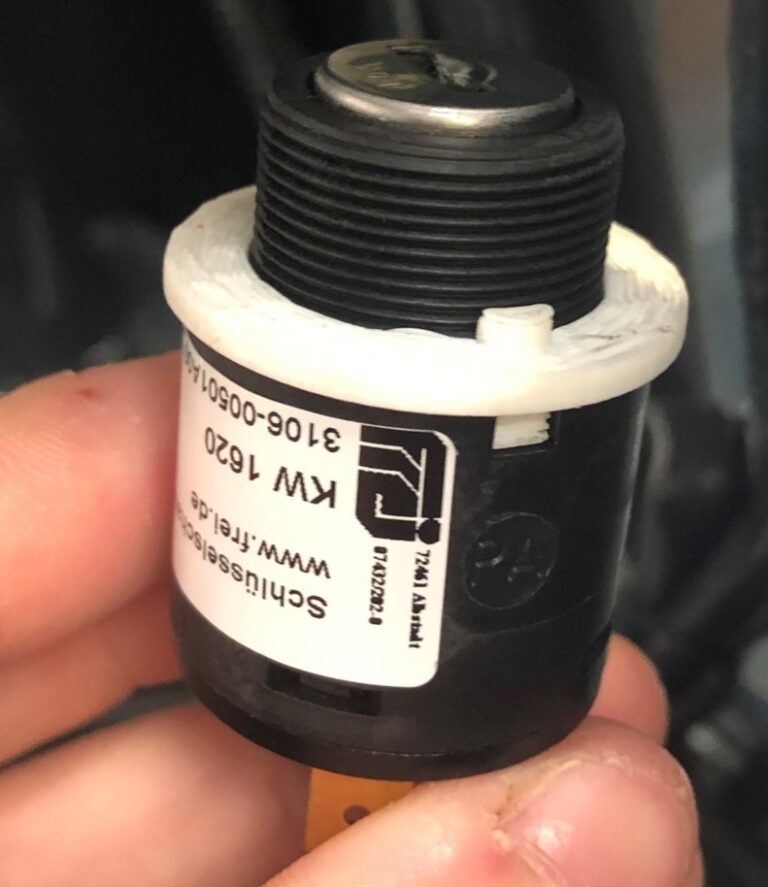
1x 26EE0162 Aisle Master Key Switch
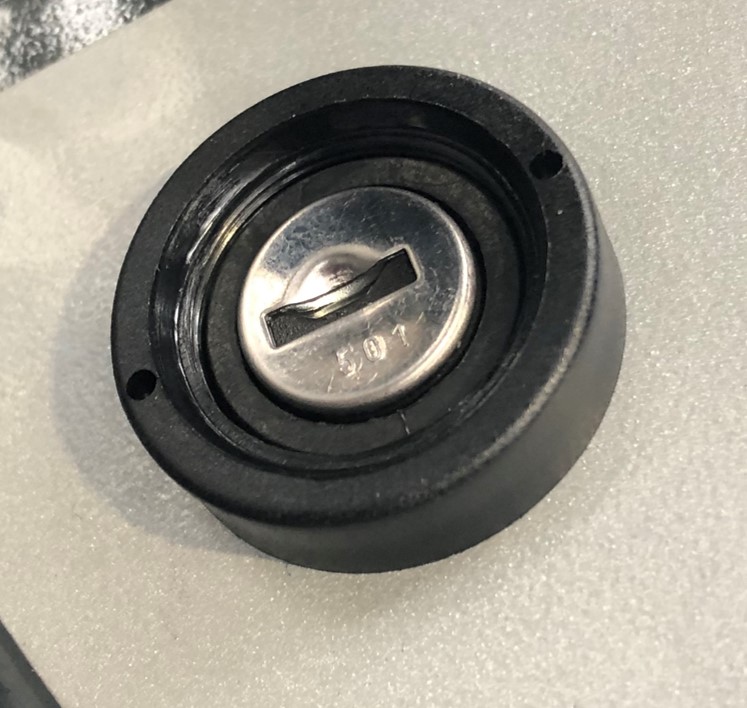
1x 26EE0163 Aisle Master Key Lock
1x 26EE0165 Aisle Master Keys (2 Keys)

Tools Required :

Crimping Tool
Snip Pliers
5mm Allen Key
4mm Allen Key
13mm Wrench
Adjustable Pipe Pliers
Phillips Screwdriver

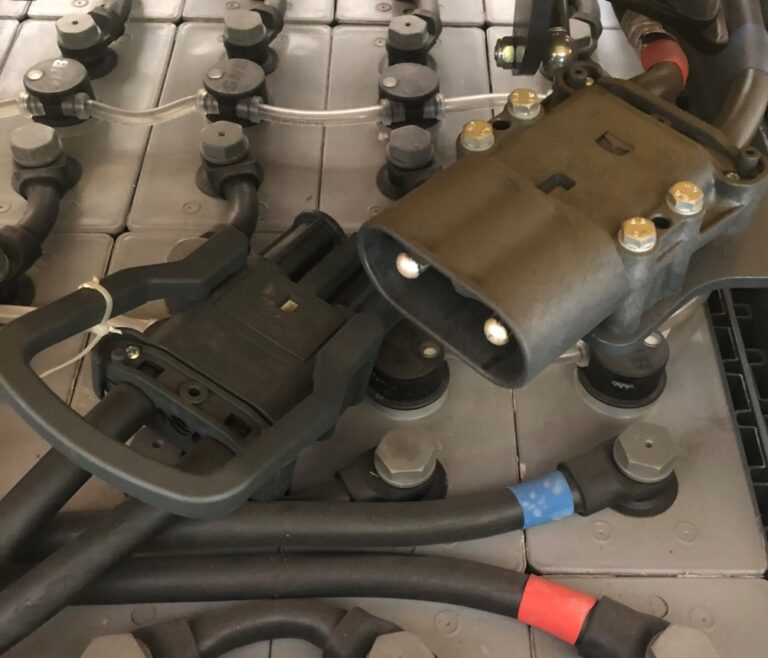
  • Depress the battery isolator switch
  • Unplug the battery
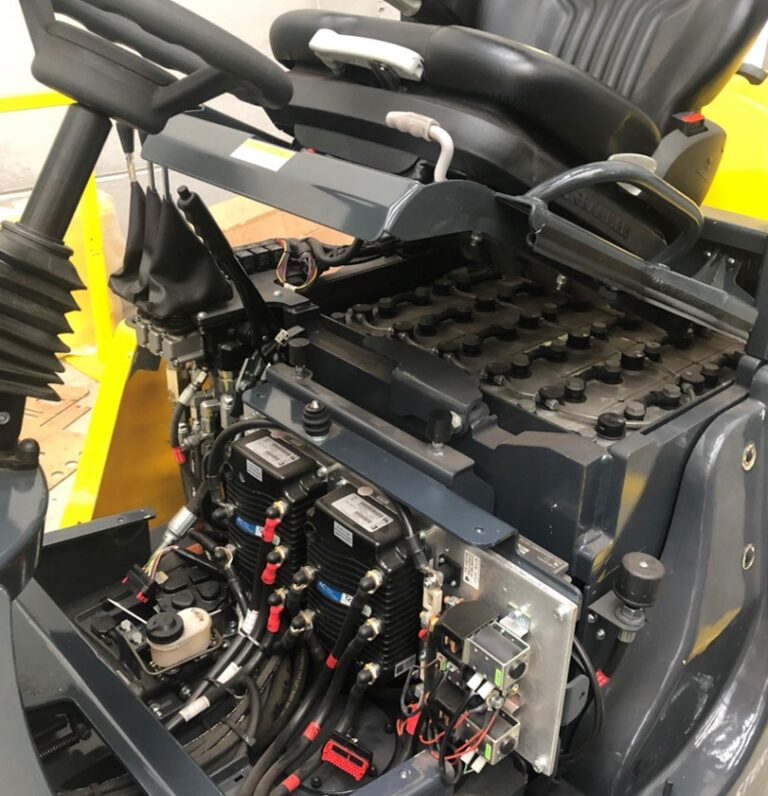
  • Lift up the seat
  • Use 4mm and 5mm Allen keys to remove all bolts on the floor plates, side panels and controller cover panel.
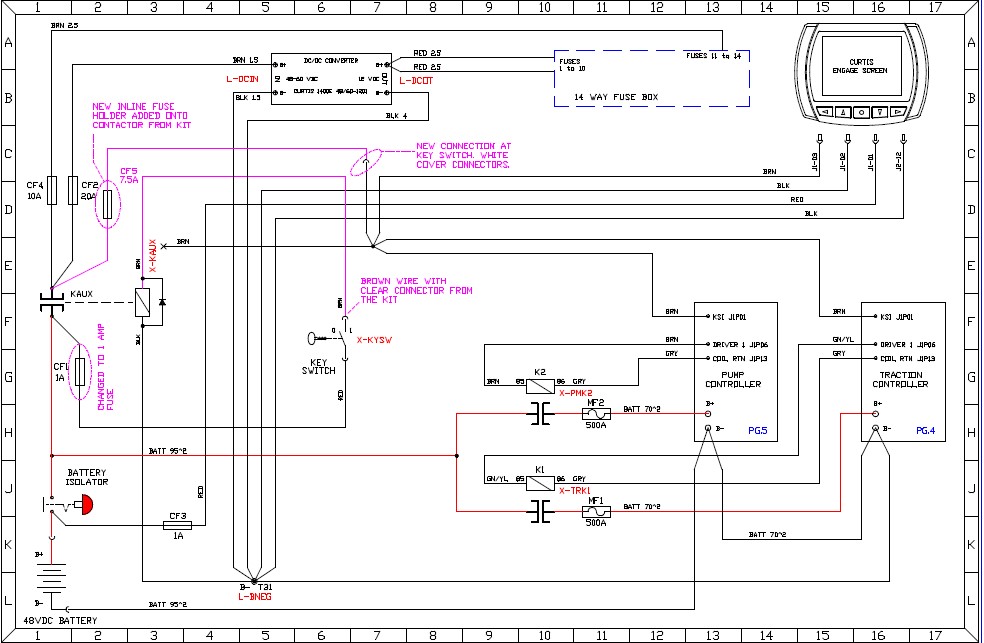
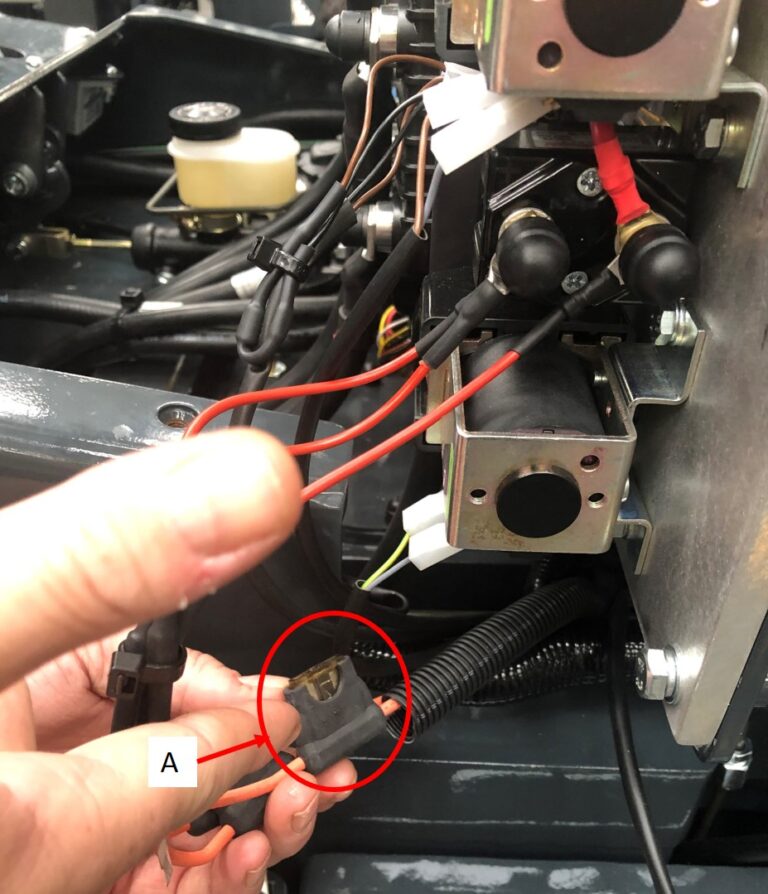
  • Swap the Inline 7.5 Amp fuse (A) from the red wire connecting the Auxiliary Contactor to the key switch on truck with the 1 Amp (B) fuse from the retro-fit loom.
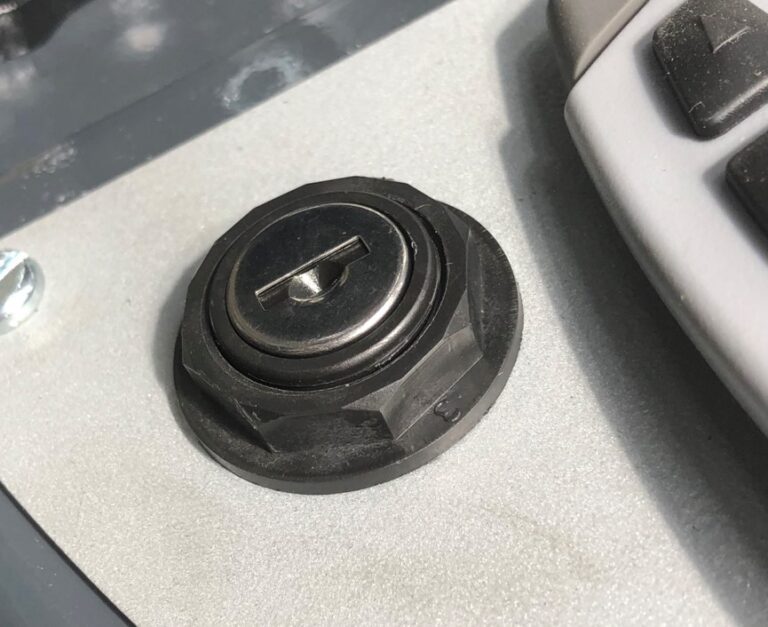
  • Remove the key from the key switch.
  • Remove the nut around the switch using adjustable pipe pliers.
  • Pull the switch down through the dash, to access its wiring connections.
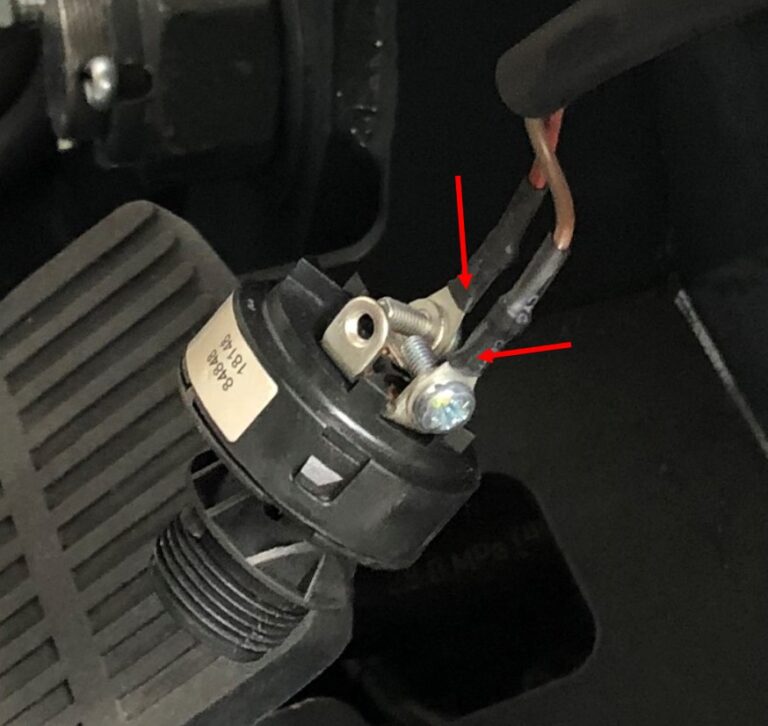
  • Remove the wires from the switch.
  • Fully remove the key switch from the truck.
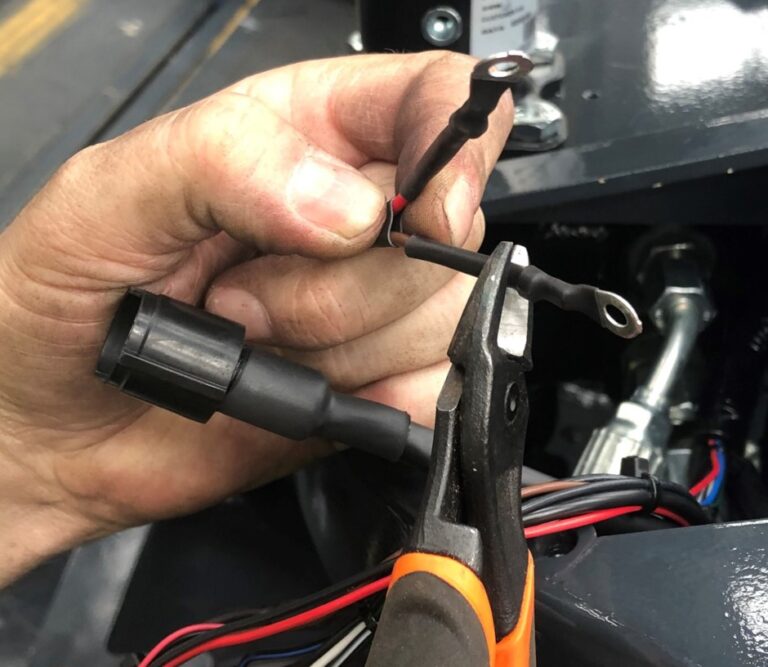
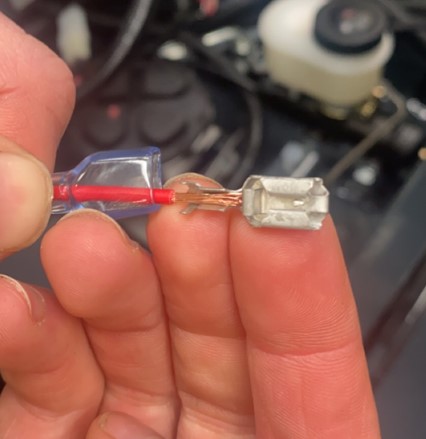
  • Cut the lugs off the brown and red key switch wires.
  • Strip some PVC from the wires.
  • Fit the clear plastic male cover over the red wire.
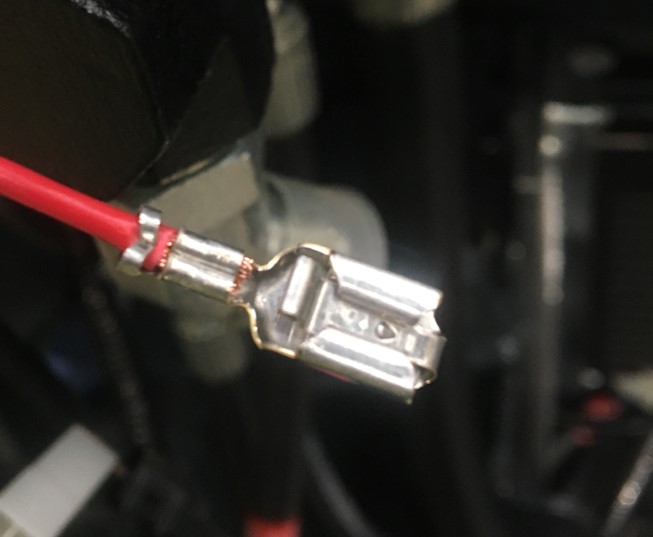
  • Crimp a female terminal for black locking connection to the red stripped wire.
  • Crimp female terminal for white connection to the brown stripped wire.
  • Fit the key lock 26EE0163 to the key switch 26EE0162.
  • Push up the key switch through the key switch hole from under the dash.
  • Line the tab on the key lock with the cut out on the dash.
  • Use the key switch locking nut to secure in position.
  • Route the retro-fit loom from the key switch, through the truck towards the trucks contactors.
  • Ensure the loom is routed under the chassis alongside the hydraulic hoses and wiring, preventing any damage to the loom when floor plates are re-fitted.
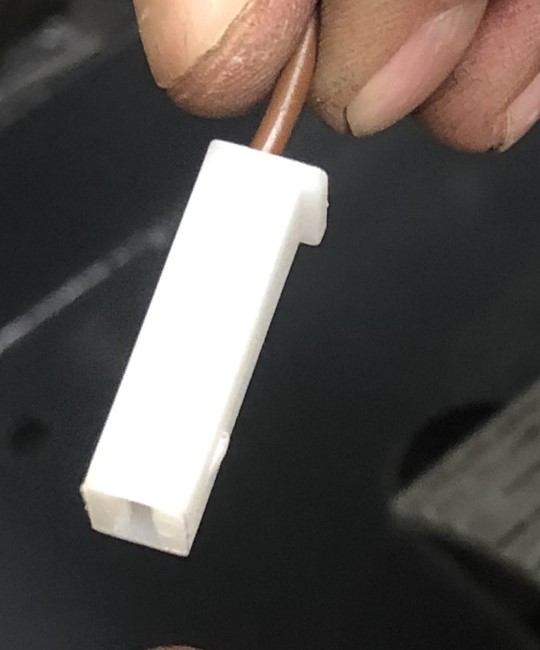
  • Fit the white plastic male cover over the previously crimped brown wire terminal.
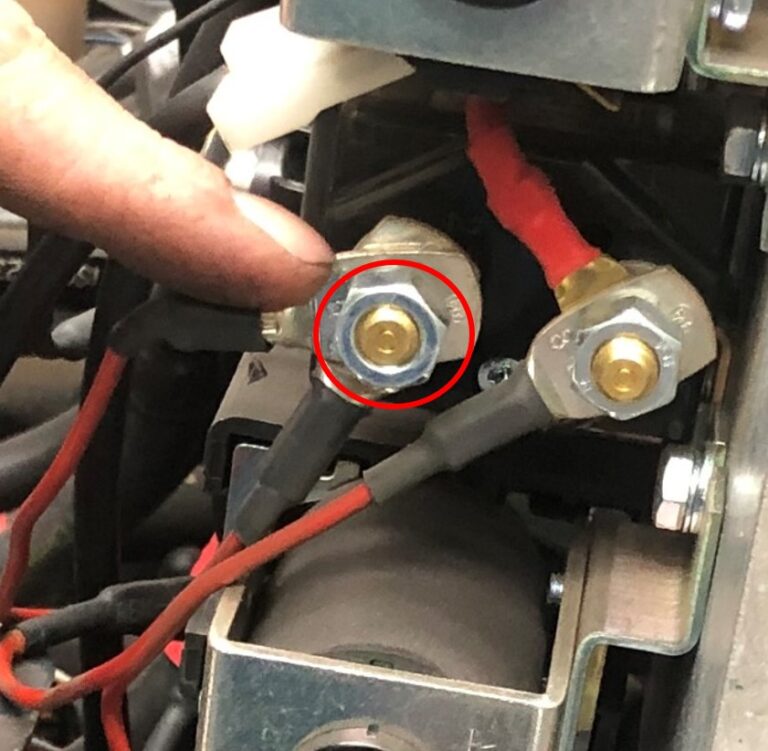
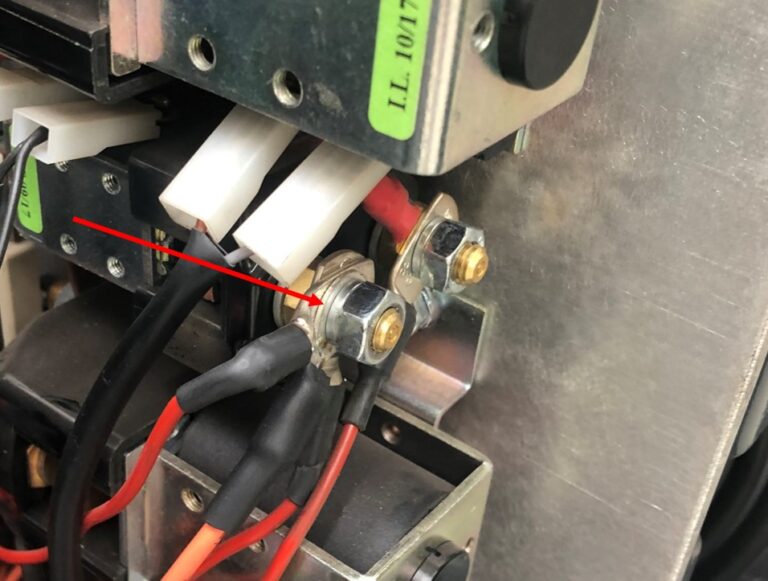
  • Remove the M8 nut and washer from the end of the Auxiliary Contactor with a 13mm spanner.
  • Fit the ring eyelet from the new loom to the contactor.
  • Re-fit the nut and re-tighten.
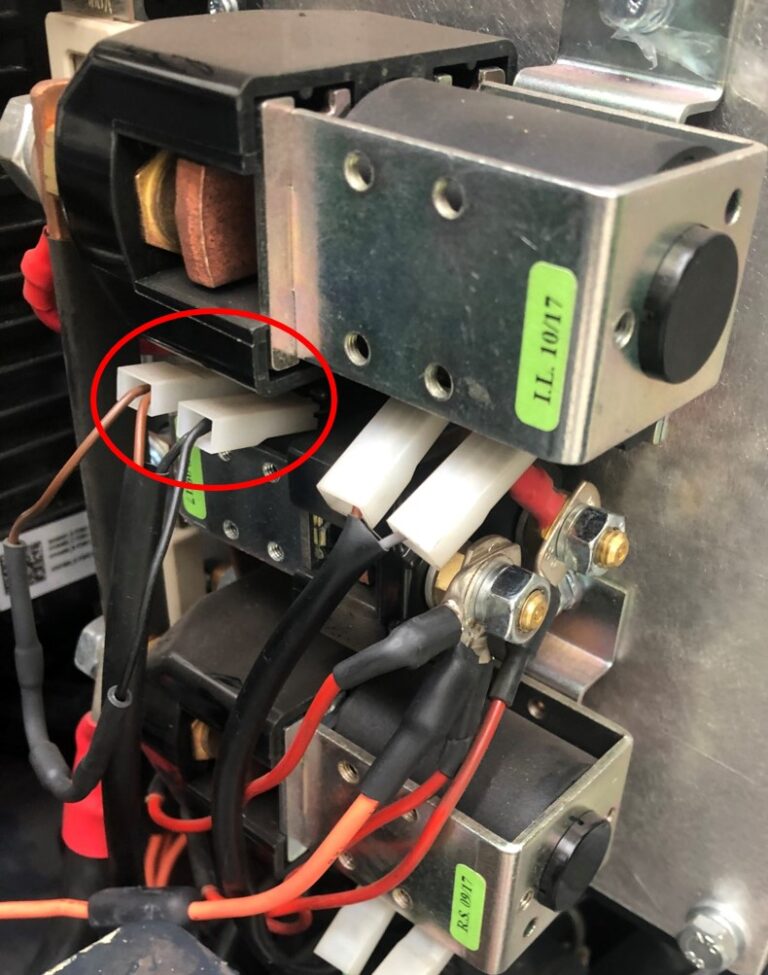
  • Remove the 2 plugs that are plugged into the sides of the auxiliary contactor.
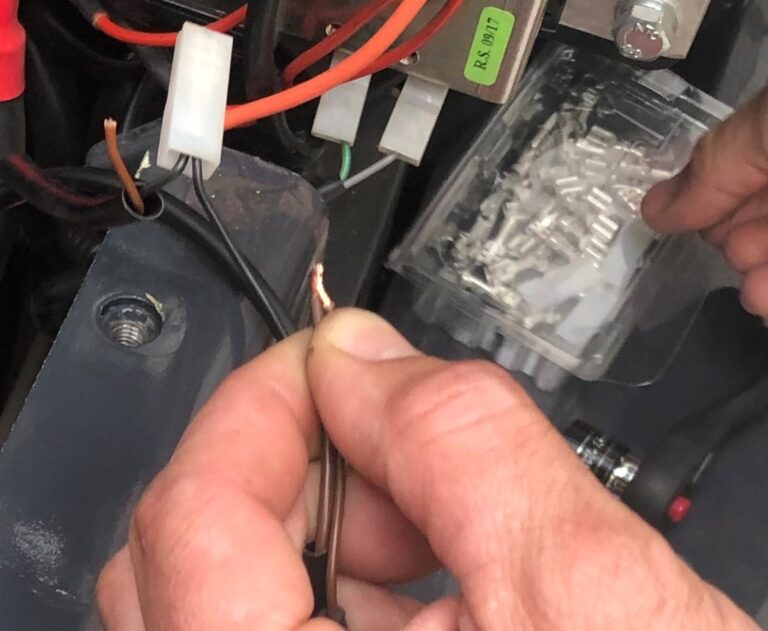
  • Remove the white male cover from the plug with 2 brown wires. (1.5mm, 2.5mm)
  • Cut terminal off the 2 brown wires.
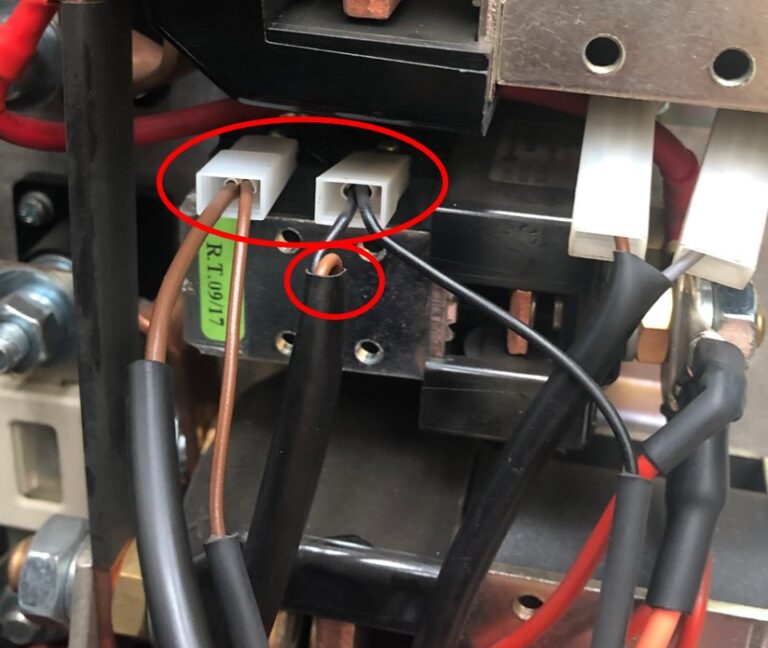
  • Crimp terminal on the 2.5mm brown wire and the 1.5mm brown wire on the new retro-fit loom.
  • Fit white plastic male cover over the previously crimped terminal.
  • Plug both connections back into where they were previously removed from on the Auxiliary Contactor
  • Using heat shrink wrap (supplied with kit), insulate unused 1.5mm brown wire, wire can then be pushed down the wire sleeve.
  • Re-fit all panels and covers previously removed.
  • If key switch now operates as required the procedure has been completed correctly.

NOTE: If carrying out this procedure on the MK1 Aisle-master please see below:

  • There will be 2 brown and 2 red wires on the key switch which will need to be crimped and terminated together to connect to the retro fit loom (26EE0164).
  • Connect the second separate red wire to the spade labelled P on the new key switch (26EE0162)


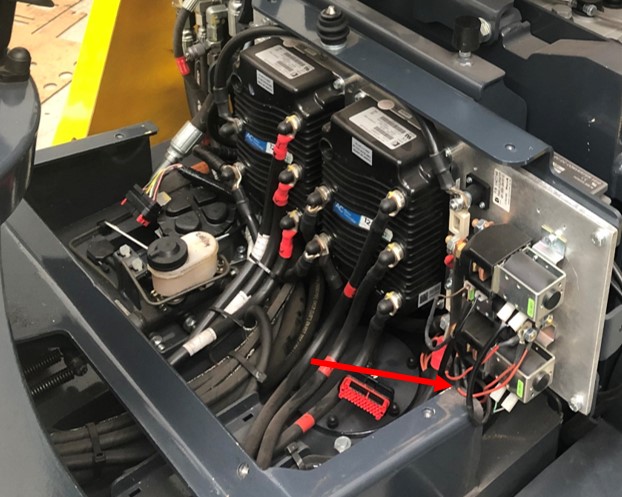
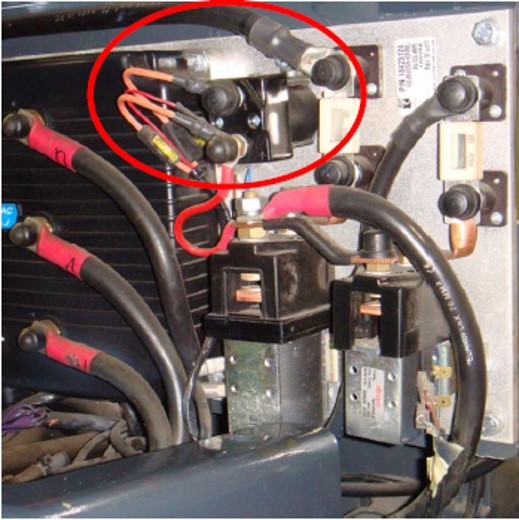
  • The Auxiliary Contactor is located in the position circled.